Is this decision more complex than a simple calculation?
Every situation has its own nuances that the spreadsheet doesn't always capture. Let's discuss this directly together.

A consultant's daily rate can often be daunting. But once you add up an employee's total compensation, vacation time, hiring costs, training, and hidden costs, the comparison changes. Our Excel simulator does the full calculation for you in just a few minutes.
Excel file · Free · Received immediately by email
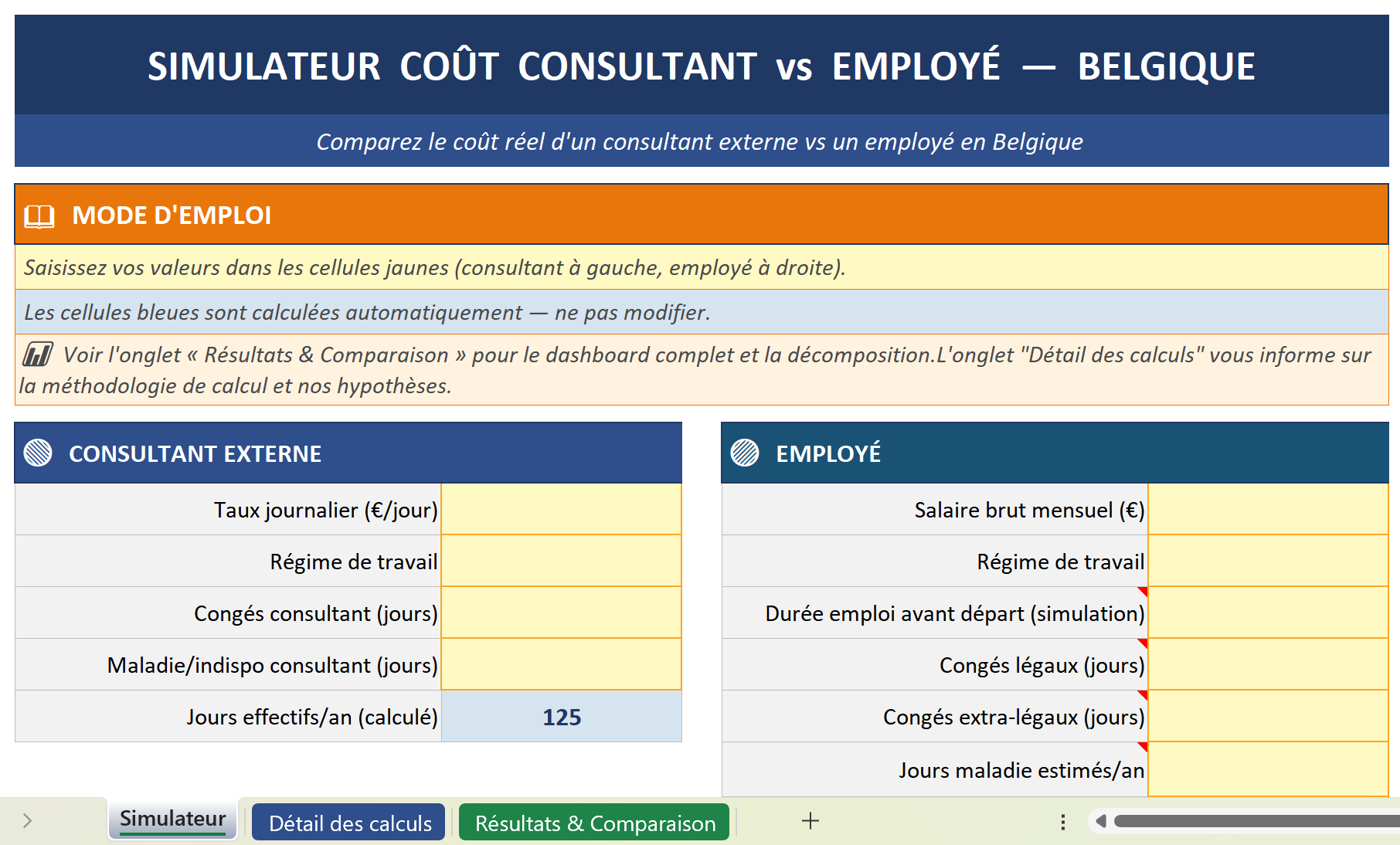
Comparing a consultant and an employee based solely on the visible rate is like comparing apples and oranges. An employee’s gross salary represents only a portion of their actual cost: employer contributions, vacation pay, 13th-month bonus, group insurance, recruitment costs, downtime, training, equipment, administrative overhead… all of which never appear on a pay stub but weigh heavily on the total annual cost.
Every situation has its own nuances that the spreadsheet doesn't always capture. Let's discuss this directly together.
Yes, it's 100% free. Just enter your contact information to receive it immediately by email.
A ready-to-use Excel file (.xlsx) that is automatically sent to your email inbox as soon as you submit the form.
For employees: gross salary, employer contributions, vacation pay, 13th-month bonus, fringe benefits, and recruitment and training costs. For consultants: daily rate, number of days, and assignment duration.
This is the point at which one option becomes more advantageous than the other. The simulator automatically calculates this based on your figures to pinpoint the exact break-even point for your project.
For HR, Finance, and Procurement decision-makers who want to objectively evaluate the trade-offs between hiring an employee and engaging a consultant, backed by data.